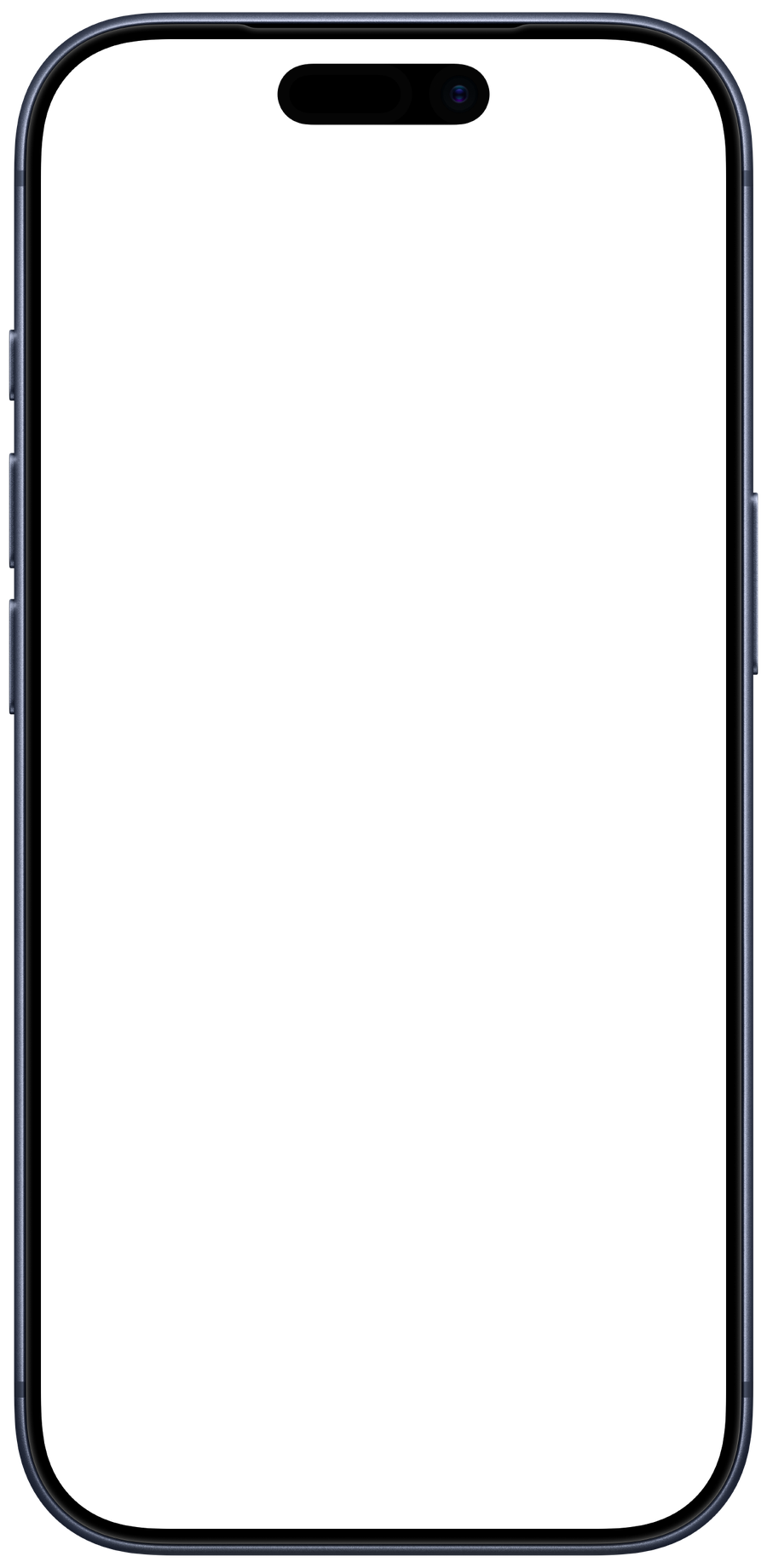
Transformations
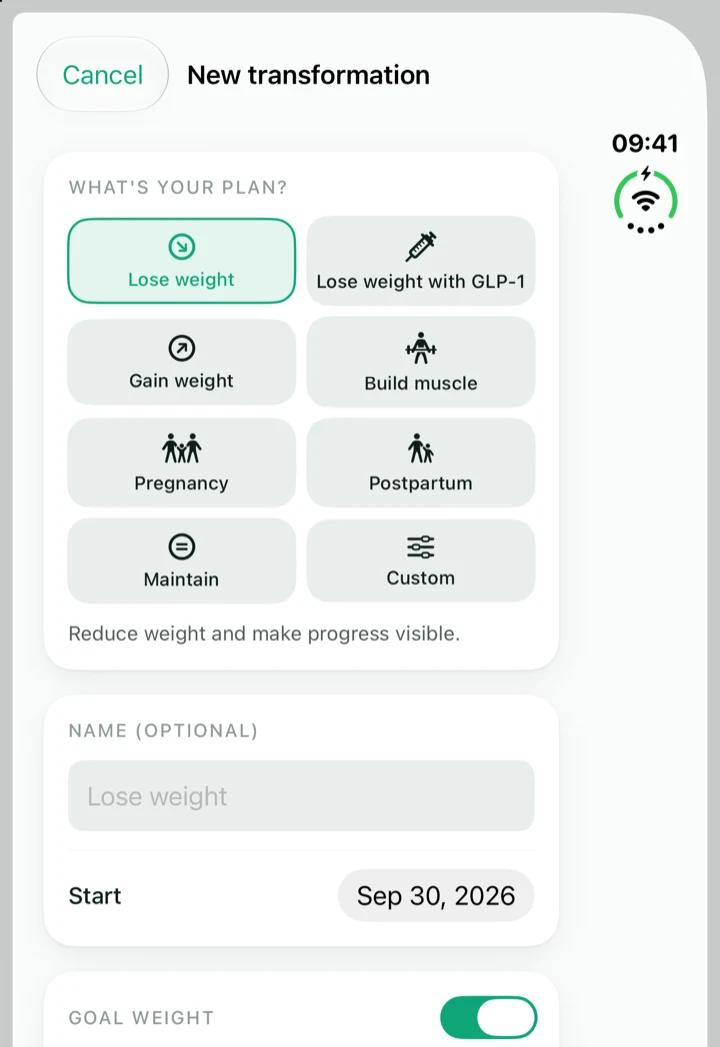
Losing weight, losing weight with GLP-1, muscle gain, pregnancy, postpartum recovery and more — eight types, each with its own goal and rhythm. Completed journeys move to the archive and can be revisited or resumed at any time.


Whether you’re losing weight — with or without GLP-1 —, expecting a baby, recovering after birth or building muscle: Formwandel accompanies your transformation with progress curves, guided progress photos — and, at the end, a film that shows your whole journey. Private, no account, entirely on your iPhone, iPad and Mac.

For iPhone, iPhone Duo, iPad and Mac · free download, Formwandel Plus as a one-time purchase
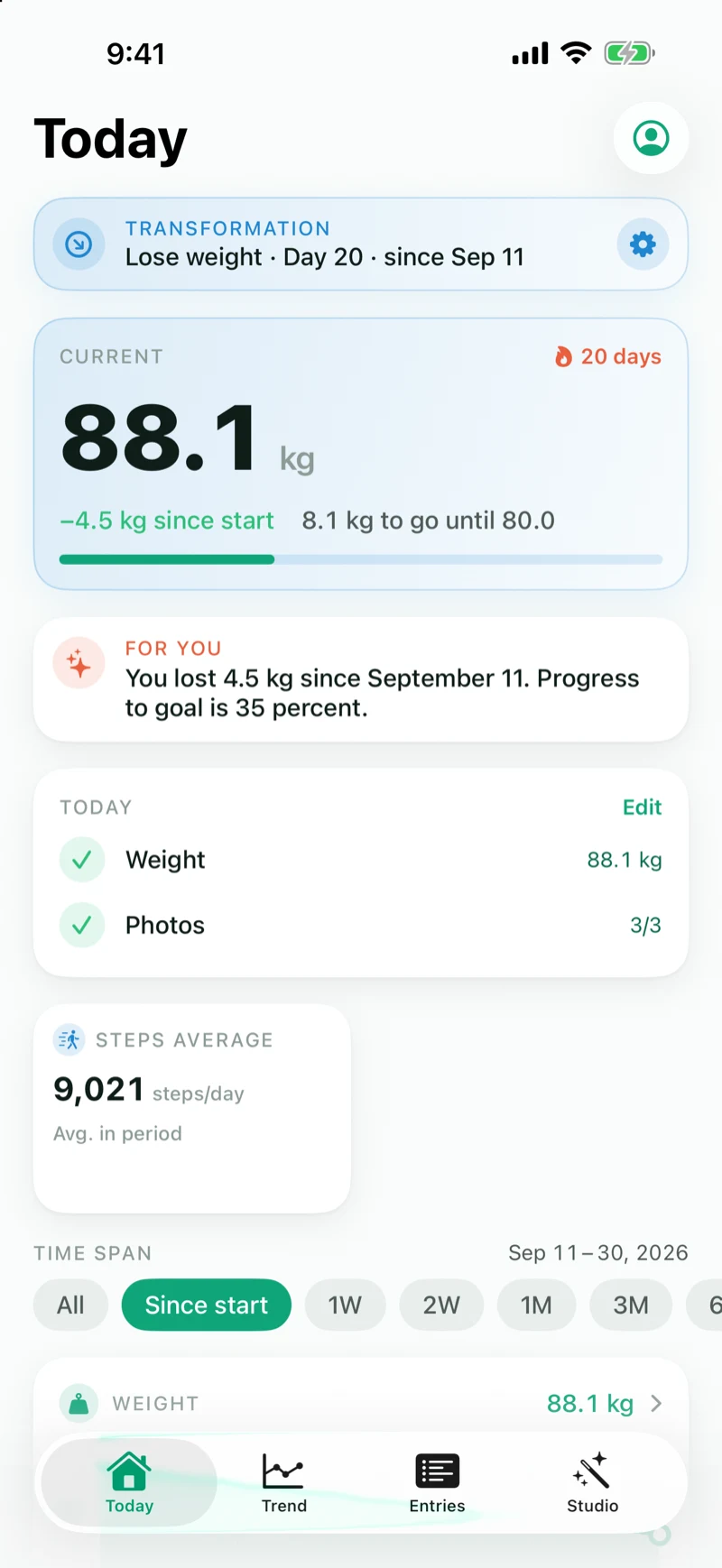
One entry per day: your values and up to three guided photos. Formwandel turns them into curves, a before/after graphic and a film.
Losing weight, losing weight with GLP-1, muscle gain, pregnancy, postpartum recovery and more — eight types, each with its own goal and rhythm. Completed journeys move to the archive and can be revisited or resumed at any time.
Alignment guides for every photo type, a ghost overlay of your last photo and a self-timer — your photos are always taken from the same perspective.
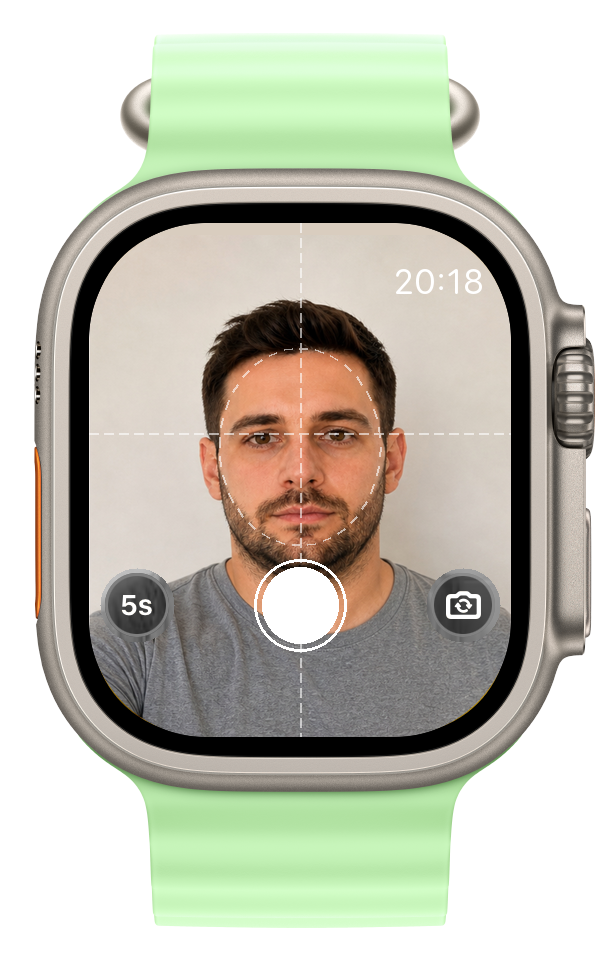
iPhone on the tripod, eyes on your wrist: the Watch app shows you the live camera feed and takes the shot at the tap of a button — instantly or with a 3, 5 or 10 second timer.
You decide what counts for each transformation: weight, body fat, waist, baby bump, BMI, muscle mass or steps — as a tile with the current value or as a progress curve with goal line and streak badge.
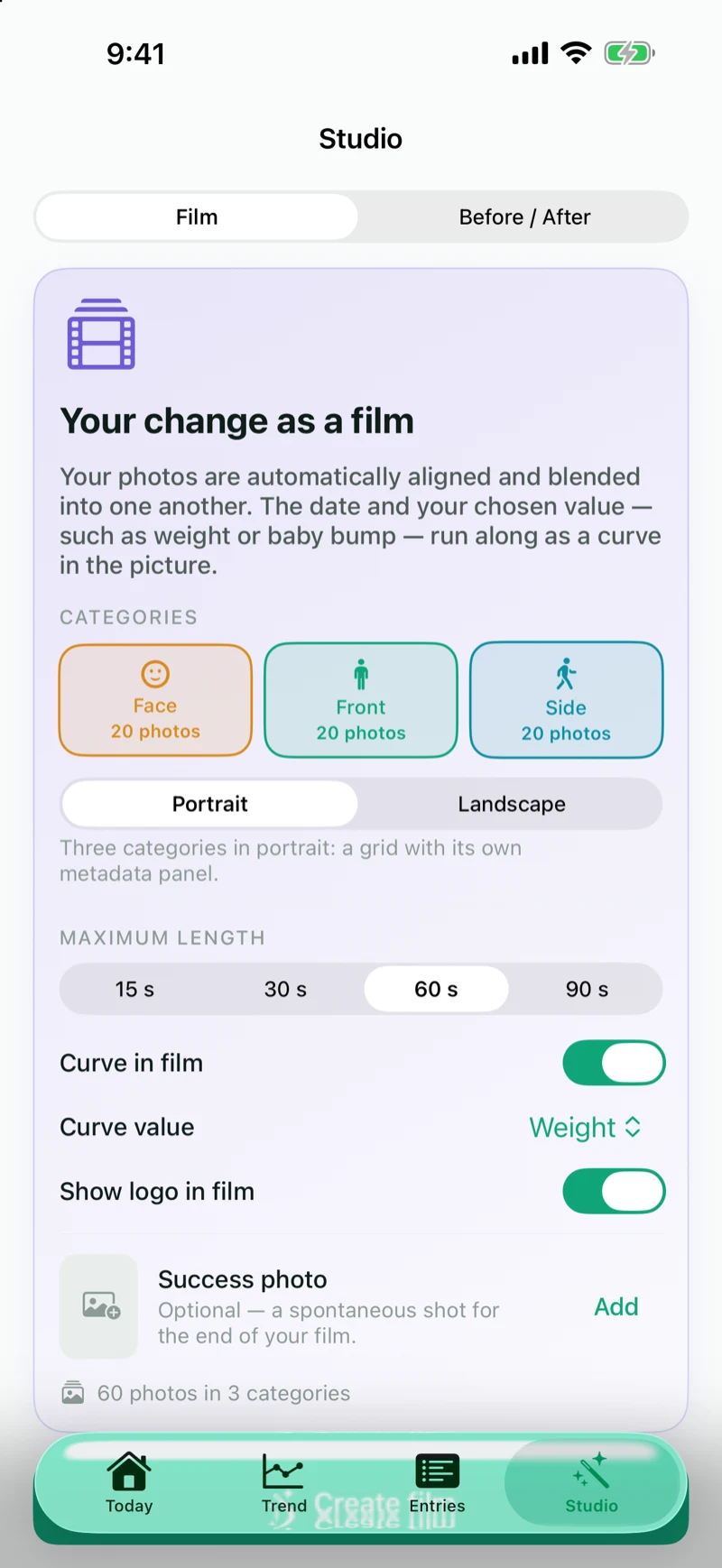
Your photos become a film with smooth transitions — date, value and curve run along in the picture. Or create a before/after graphic to share in seconds. Rendered entirely on your device.
The weight from your smart scale is picked up automatically as an entry. Your entries are written neatly to Apple Health. On the Mac, weights and health data arrive from your iPhone via your private iCloud.
Check-in status and weight curve on your Home Screen, progress on your Lock Screen — plus reminders at the time of your choice.
Entries, photos, transformations and measurements sync between iPhone, iPhone Duo, iPad and Mac via your private iCloud. Plus: ZIP export and restore with merge.
Formwandel is more than a weight-loss app: when you create a transformation, you choose where your journey is headed — from GLP-1-assisted weight loss to pregnancy. The app adapts values, curves and film accordingly.
Set a goal weight, follow the curve with its goal line, keep your streak — and capture every bit of progress in photos.
Supporting your weight loss with a GLP-1 medication such as Wegovy or Mounjaro? Log every dose in mg on your own schedule — the dose appears in your entries list, in the film and in the success graphic.
The current week of pregnancy right on your Today screen, your baby bump circumference as its own progress curve — and, at the end, a film that tells nine months in seconds.
Back to your own shape after birth: postpartum recovery is its own transformation type with fitting values and no pressure on rhythm.
Upwards is a direction too: muscle mass and weight as curves, plus progress photos that make your gains visible.
Maintain your weight after a diet or define a goal that’s entirely your own — you configure values, tiles and interval freely.
Four tabs, one goal: keep going and see the change.
Your day at a glance: current weight, what is left to the goal, today’s tasks and your curves — with goal line and streak.
Formwandel is a universal app: one purchase for iPhone, iPhone Duo, iPad and Mac. Through your private iCloud, entries, photos, values and transformations stay in sync everywhere — and your Apple Watch becomes a remote shutter.
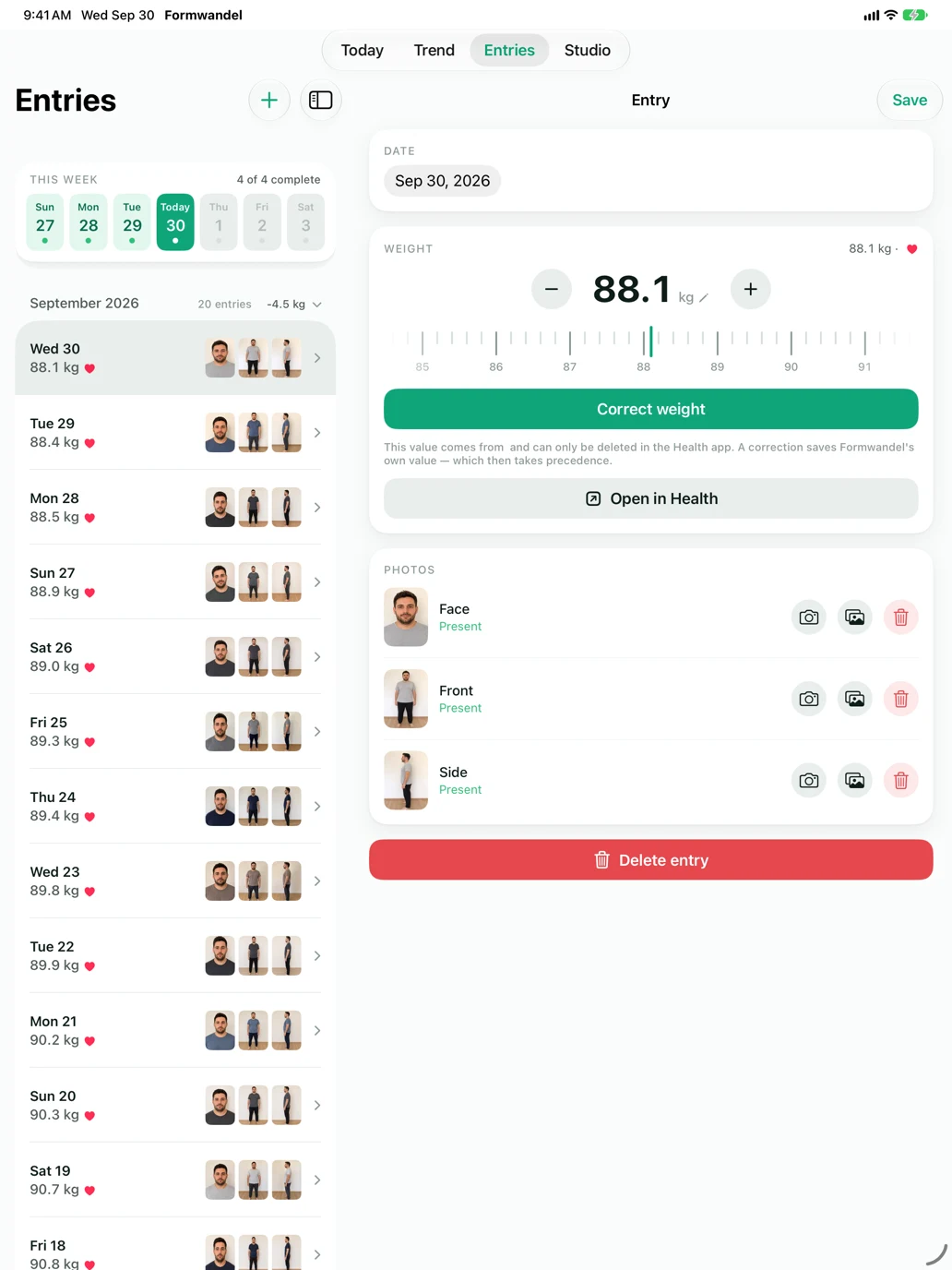
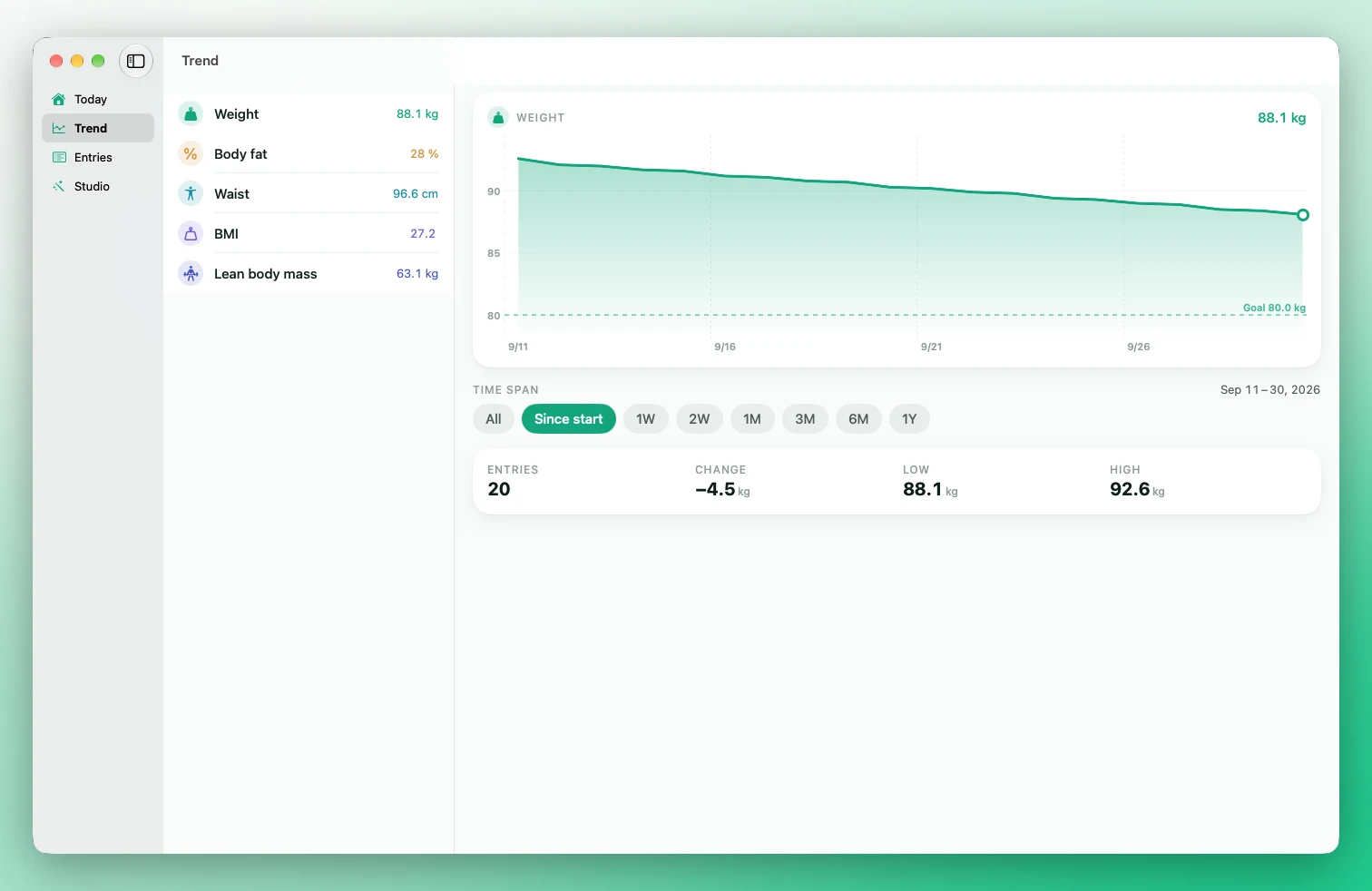
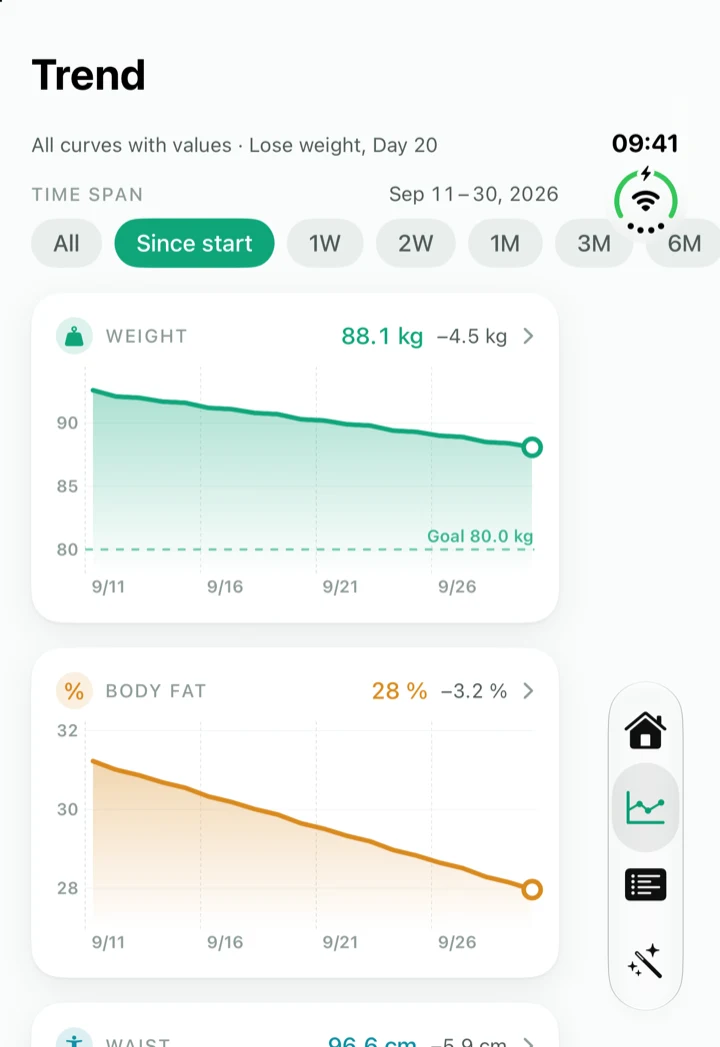
A real Mac app, not an enlarged iPhone — for Macs with Apple silicon and Intel.
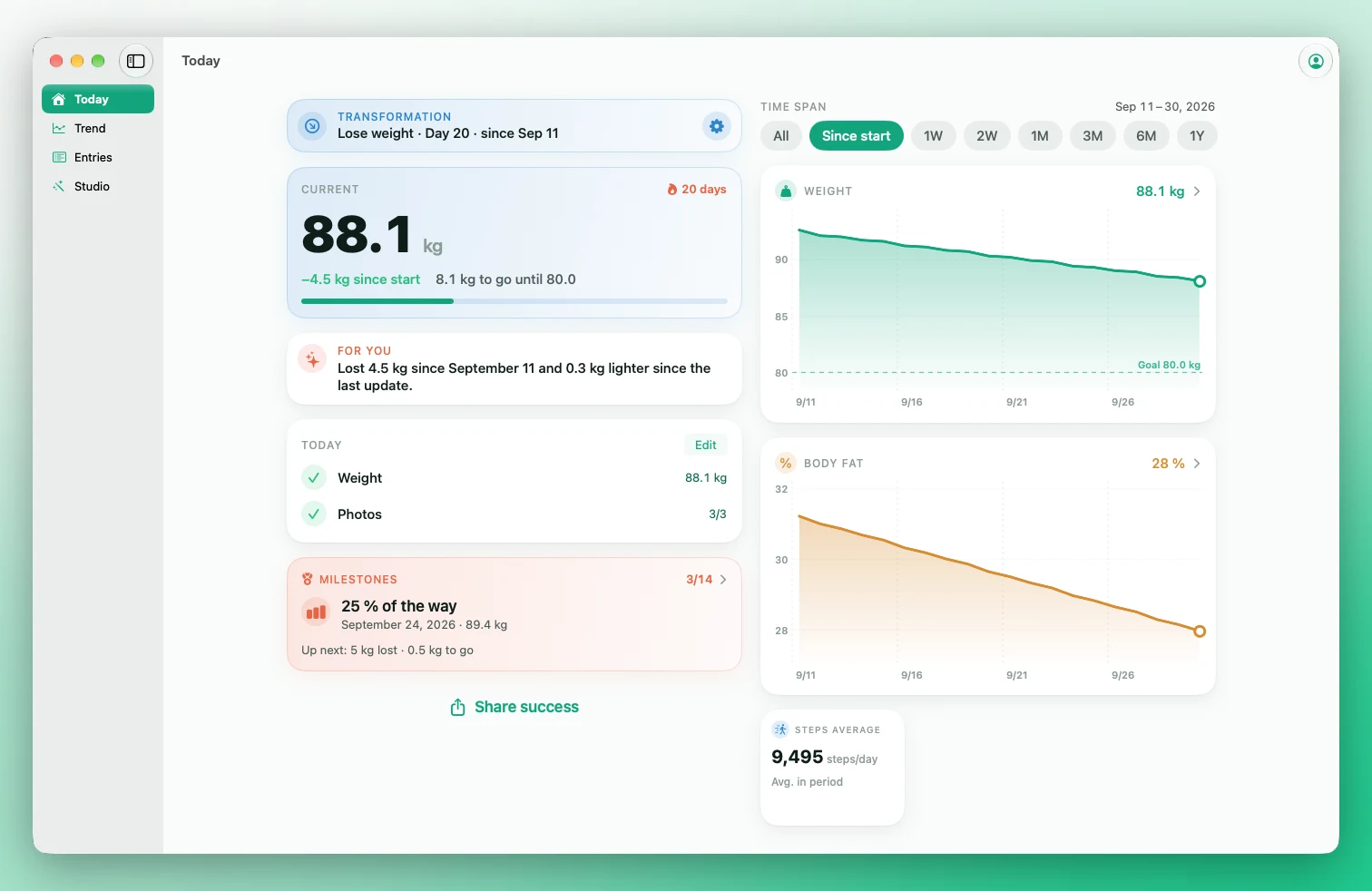
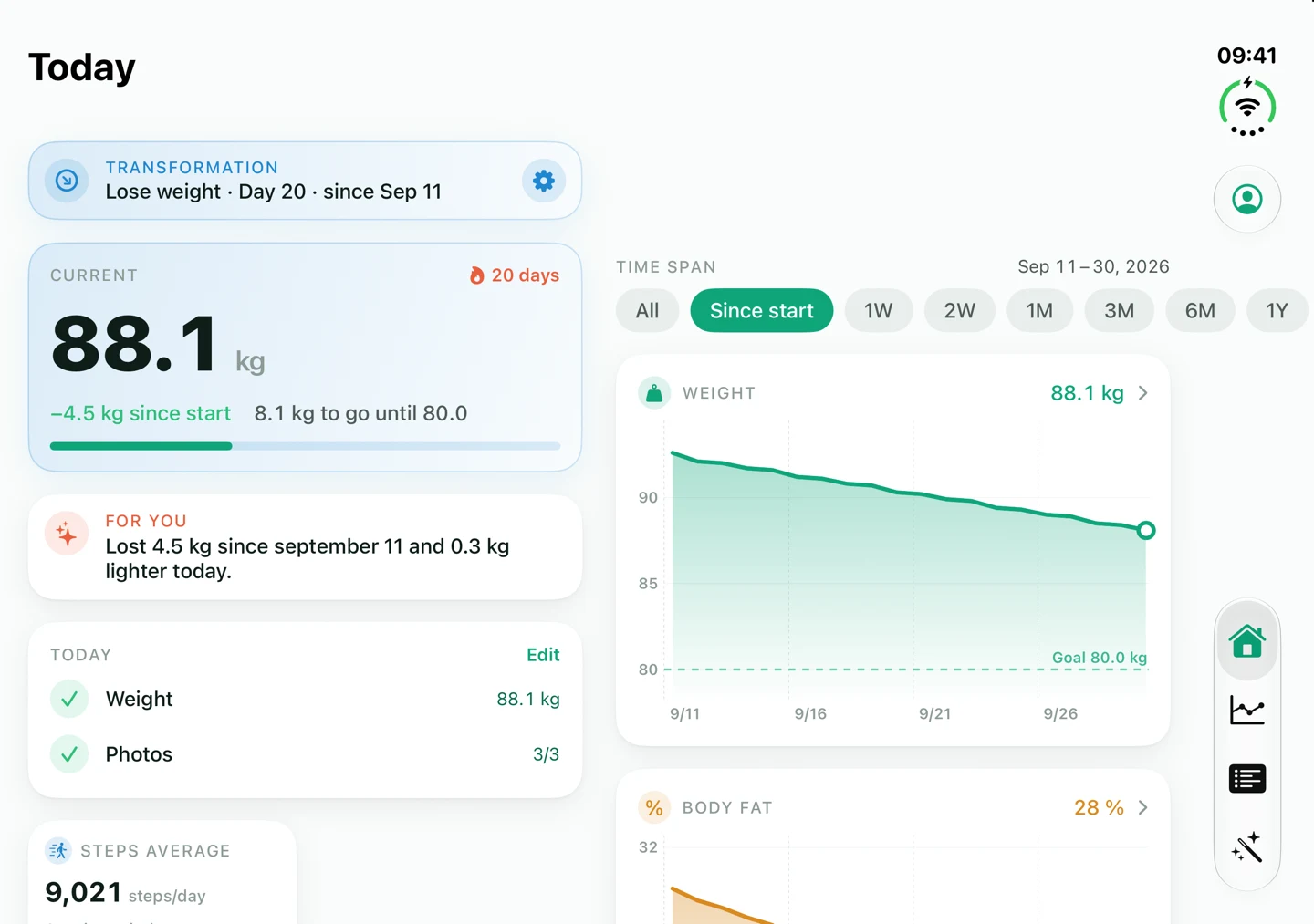
Formwandel is a universal app: one download, one purchase — iPhone, iPhone Duo, iPad and Mac. On the larger display it uses the space instead of stretching a single iPhone column.
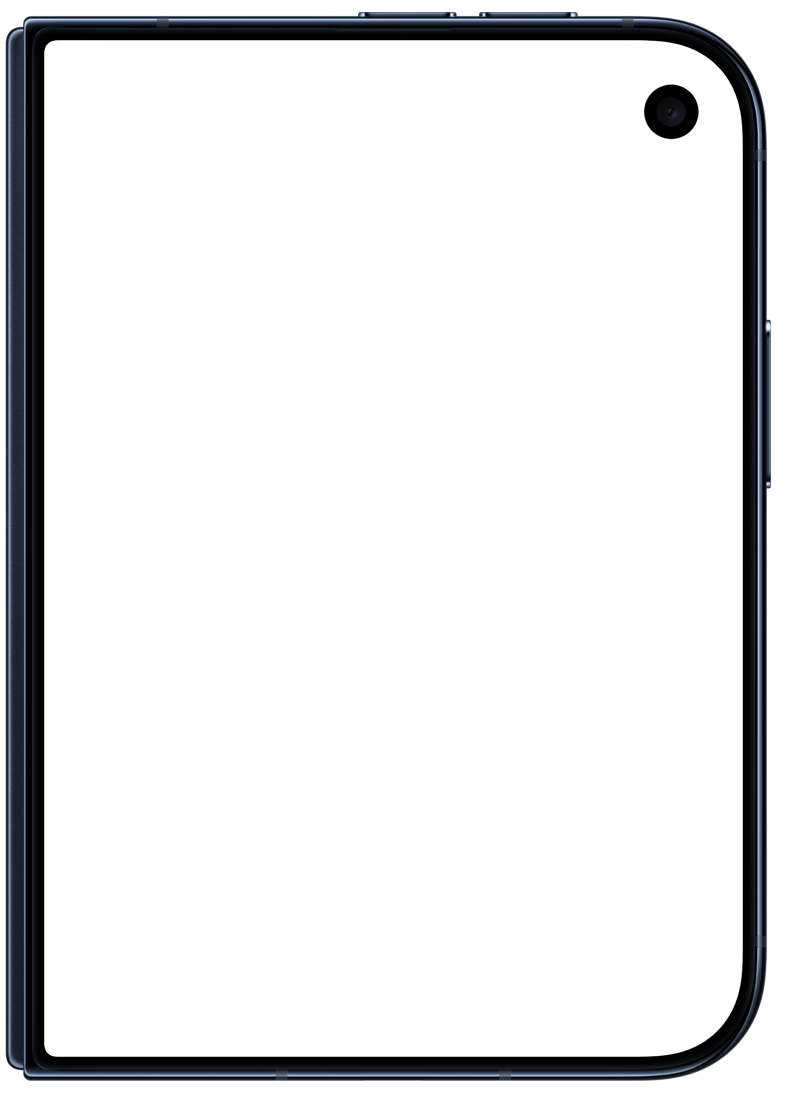
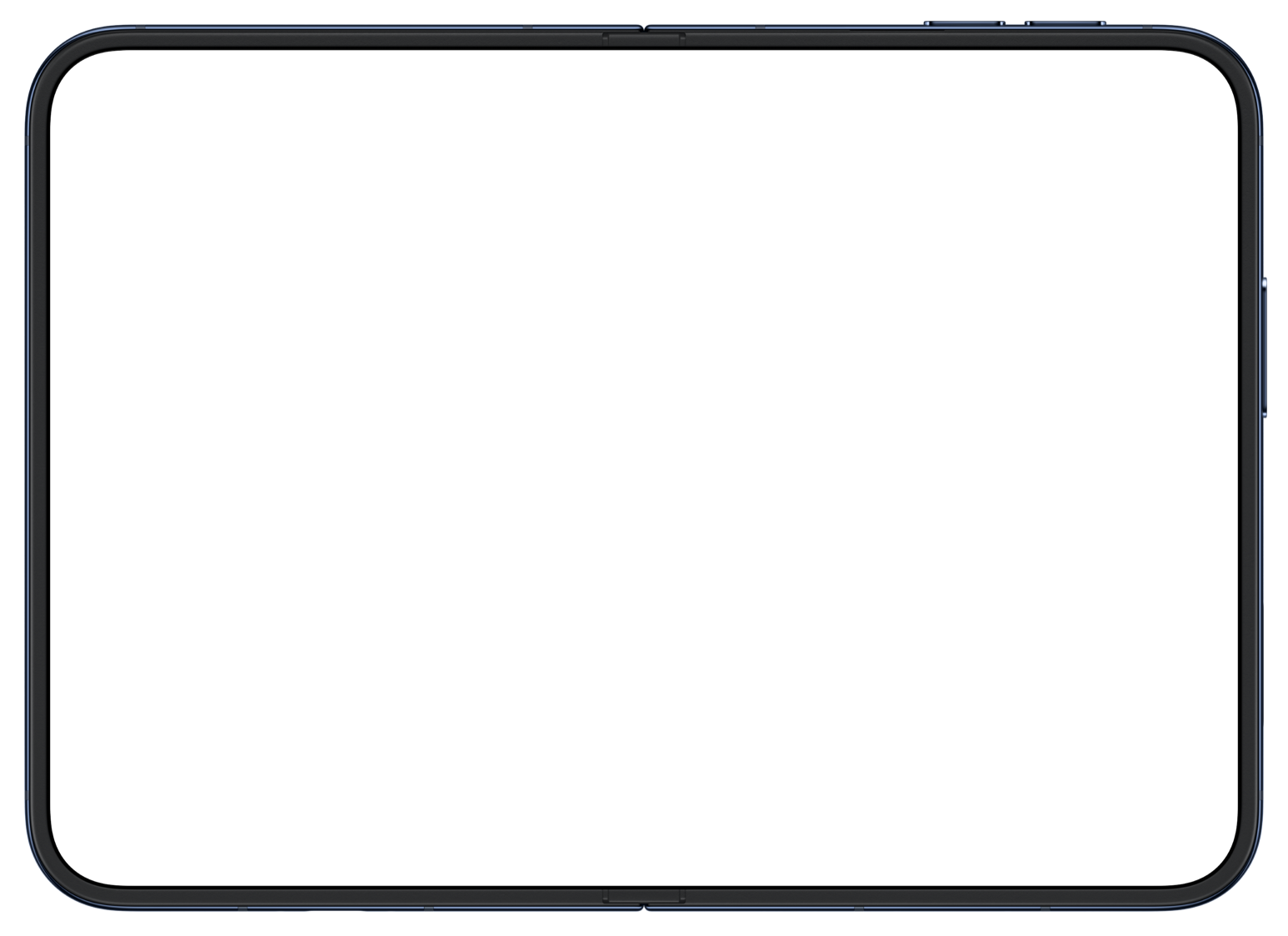
Formwandel uses both displays of iPhone Duo: on the outer display it keeps the familiar iPhone layout, on the large inner display the app spreads its content across two columns — just like on iPad.
iPhone on the tripod, app open — from now on you don’t have to touch it. The Formwandel app on Apple Watch shows you the live camera feed and takes the shot when you’re ready.
The moment every photo was worth it: Formwandel automatically aligns your photos and lets them flow into one another.
For the quick moment in between: the before/after graphic puts two photos side by side — with perspectives, comparison values and progress curves, ready to share.
This is what the curve feels like in the app — your development with goal line and selectable time windows, at a glance. The app does the same for body fat, waist, baby bump and more.
Progress photos are as personal as it gets. That’s why Formwandel is private by design.
Photos, weights and films stay on your devices — iPhone, iPad or Mac. Even the morphing for the transformation film is rendered on-device.
Formwandel needs no sign-up and no e-mail, and it collects no analytics.
If you enable sync, your data travels exclusively through your personal iCloud — visible to no one else, including between iPhone and Mac.
A ZIP with JSON, photos, videos, transformations and settings. Export it, keep it and restore it whenever you like.
You’ll find all legal details in the privacy policy of the Formwandel iOS app.
Formwandel is a universal app for iPhone, iPhone Duo, iPad and Mac: one download, one purchase, all devices — with dedicated two-column layouts on iPad and on the unfolded iPhone Duo, and on the Mac as a real Mac app with sidebar and keyboard shortcuts. On top of that comes the Apple Watch app that acts as a remote shutter with a live preview of the camera feed. You’ll find Formwandel on the App Store and on the Mac App Store.
No. You can start right on your Mac, enter your weight yourself and add photos from your library or from files. Apple Health doesn’t exist on the Mac — if you have an iPhone, it mirrors weights and health data from Apple Health to your Mac via your private iCloud, including the values from your scale. What you enter on the Mac goes back into Apple Health through your iPhone. The Apple Watch remote shutter remains an iPhone feature.
No. You can enter your weight by hand in seconds. If your scale writes to Apple Health, Formwandel picks up today’s value automatically.
You decide: daily or weekly rhythm, weight and photos independent of each other. Entries can also be backdated — including imports from your photo library.
Locally on your iPhone, iPhone Duo, iPad or Mac — and optionally encrypted in your private iCloud if you enable sync. There is no server of ours that ever sees your photos.
Formwandel detects facial and body landmarks, aligns your photos automatically and morphs them smoothly into one another — with the date and the curve of your choice as an overlay, from weight to baby bump circumference. You choose length and format. All directly on your device, exportable to your photo library.
A dedicated transformation type, “Losing weight with GLP-1”: you log every dose in mg on your own schedule. The dose shows up in your entries list, runs along in the transformation film and appears in the before/after graphic — for example “Mounjaro 2.5 mg – 10 mg”. Formwandel doesn’t replace medical advice, but it makes visible how your body changes during therapy.
Yes — pregnancy is its own transformation type: the current week of pregnancy appears on the Today screen, in the entries list and in the film, and your baby bump circumference is tracked as its own measurement with a progress curve. For the time after birth there’s the postpartum recovery type.
The complete tracking is free — entries, photos, curves and all transformation types. Formwandel Plus is a one-time purchase with no subscription and expands the Studio, for example with multiple perspectives, comparison values and multi-curves in the before/after graphic.
Formwandel is available on the App Store and the Mac App Store. Questions or feedback? Write to us at formwandel@miroo-media.de.